
Retroid Pocket 2 Getting Started Guide

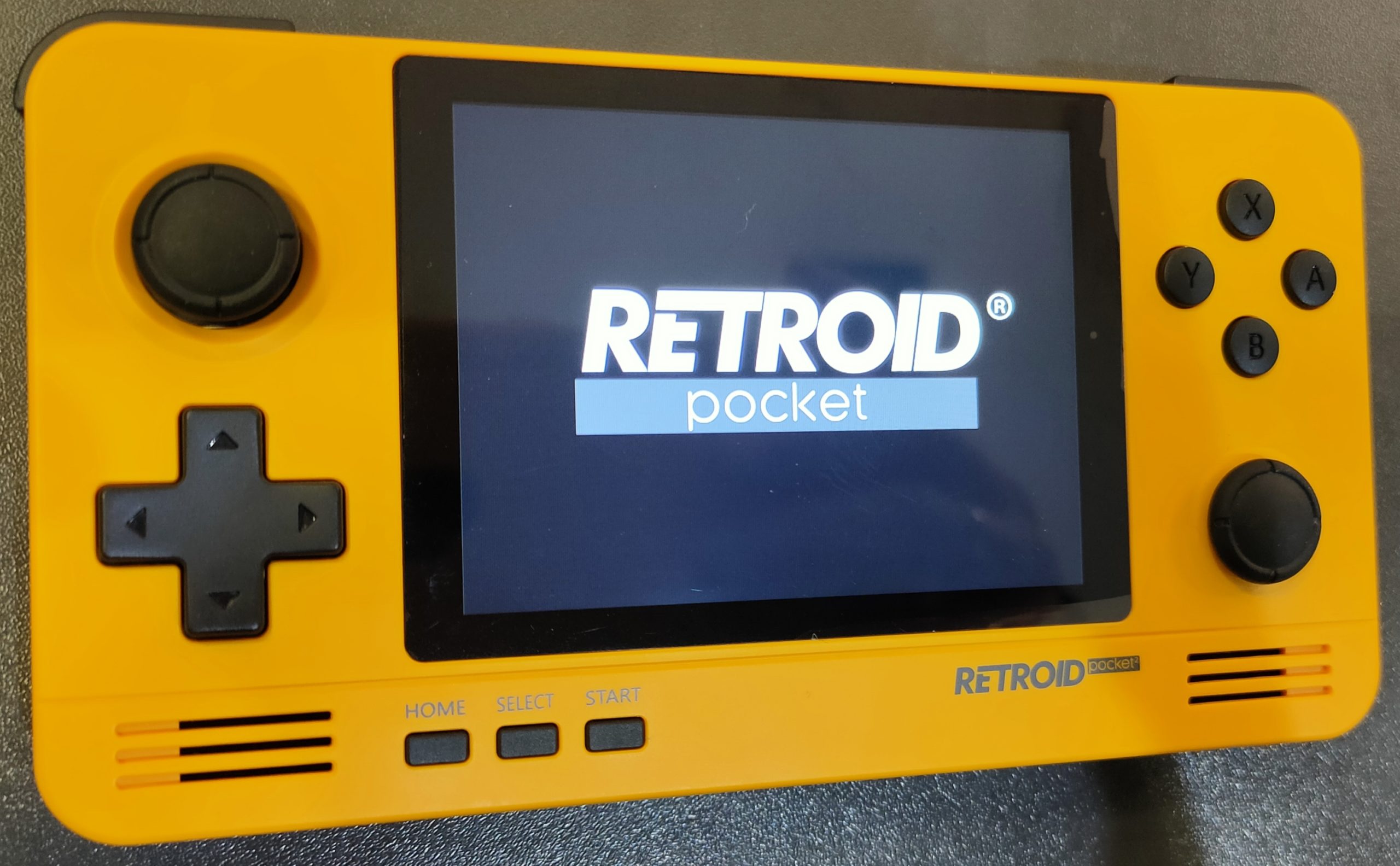
Welcome, sons and daughters of rock and roll, retro, vintage, video games, and especially these new consoles like Pandora, Anbernic, and Retroid that are giving us so many great times, as if we were living in the '80s and '90s, but without blowing our weekend allowance in one go. We present to you the beginner's guide to the Retroid Pocket 2 retro console.
This time we're going to revel in one of the best consoles seen in recent years. We're referring to the Retroid Pocket 2, a little gem with an Android 6.0 heart, capable of emulating thousands upon thousands of games from systems as varied as the NES, Super NES, Game Boy, Game Boy Color, Game Boy Advance, Nintendo 64, PlayStation, PSP, Sega Dreamcast, and many more.
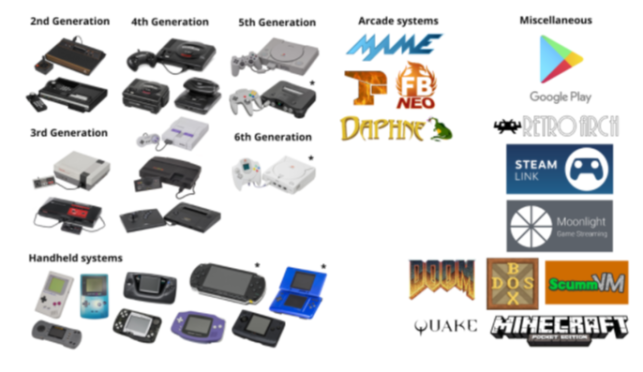
(Image source: Retro Games Corps)
With a ARM Mali-400 MP2 processor with two cores at 500 megahertz and 1 GB RAM It is more than enough for 8 and 16 bit games from the NES, the Super NES, or even those from the Nintendo 64 or the PlayStation 1.
In this case, the autonomy of the The battery lasts between 3 and 5 hours. depending on the games you choose. And, as if that weren't enough, you can connect it to your TV and play on the big screen! (An HDMI cable is included in the box)
You can also load games from Google Play Store, provided they are compatible with Android 6.0. Another advantage of this Retroid Pocket 2 is that it has a headphone jack or you can also connect them via Bluetooth.
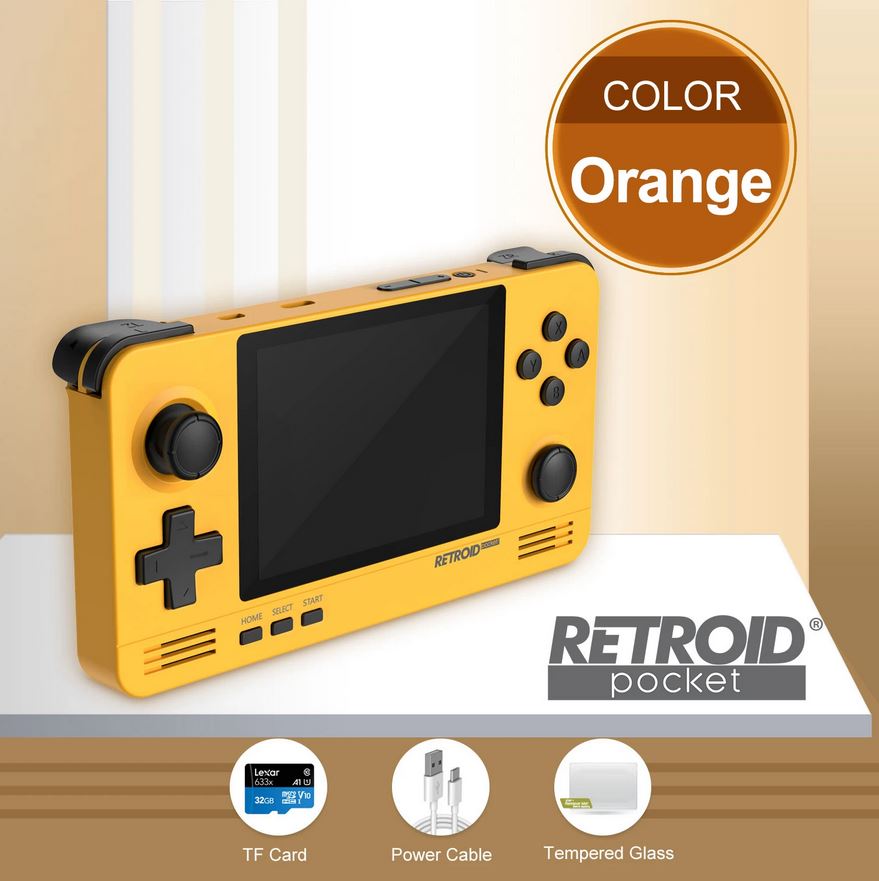
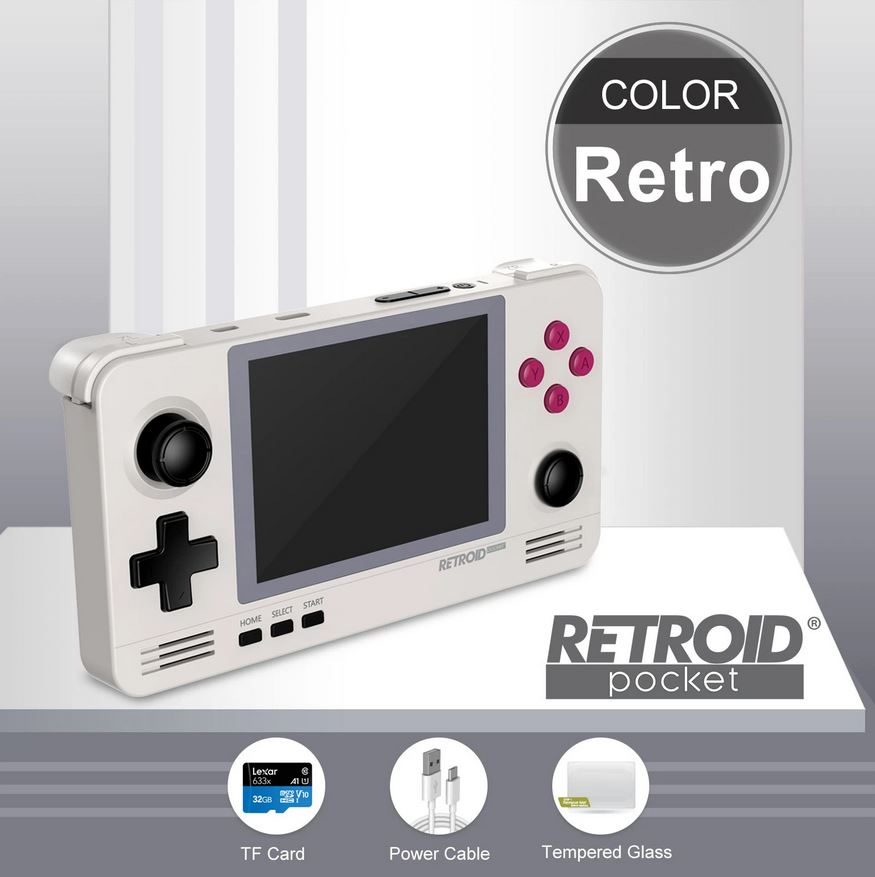
If this is the console you've been dreaming of, that you've already bought, or that you plan to buy in the not-too-distant future, stay tuned to this post, because here we'll give you tips and some tricks to help you get the most out of your new Retroid Pocket 2.
One of the first things I want to tell you is that by pressing the Press and hold the Home button on the front of the console for 2 seconds You'll switch between cursor mode and button mode. This means you can navigate like you would on your computer with a pointer, or cycle through functions as if it were a button. By pressing the Start button + Volume We will raise and lower the screen brightness.
The system takes quite a while to boot up, almost 50 seconds (it's an Android system). To avoid this, we have an excellent standby mode: you press the power button and the console enters standby mode; you press it again and it turns on immediately. This system barely drains the battery and will save you time waiting for it to charge.
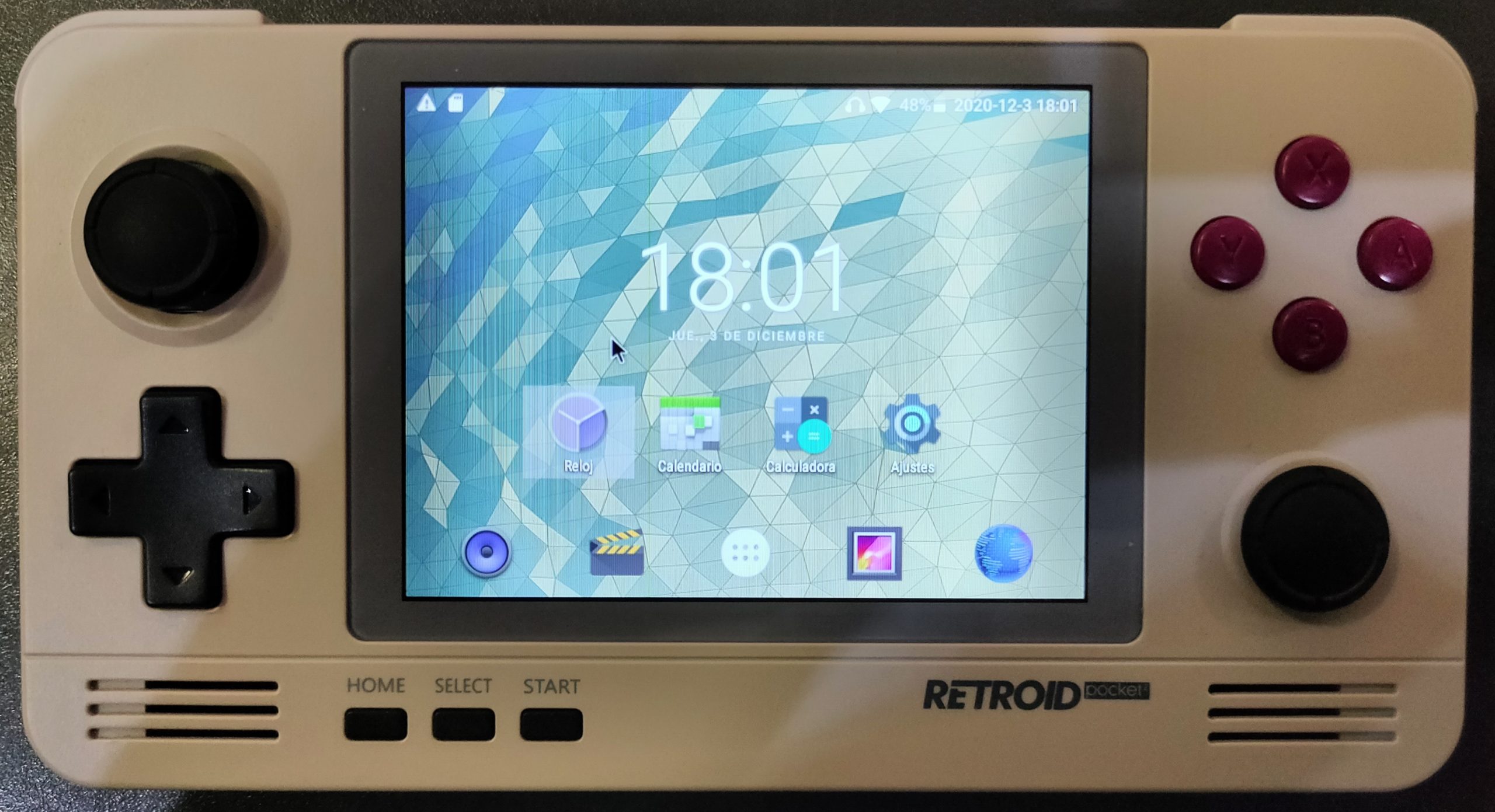
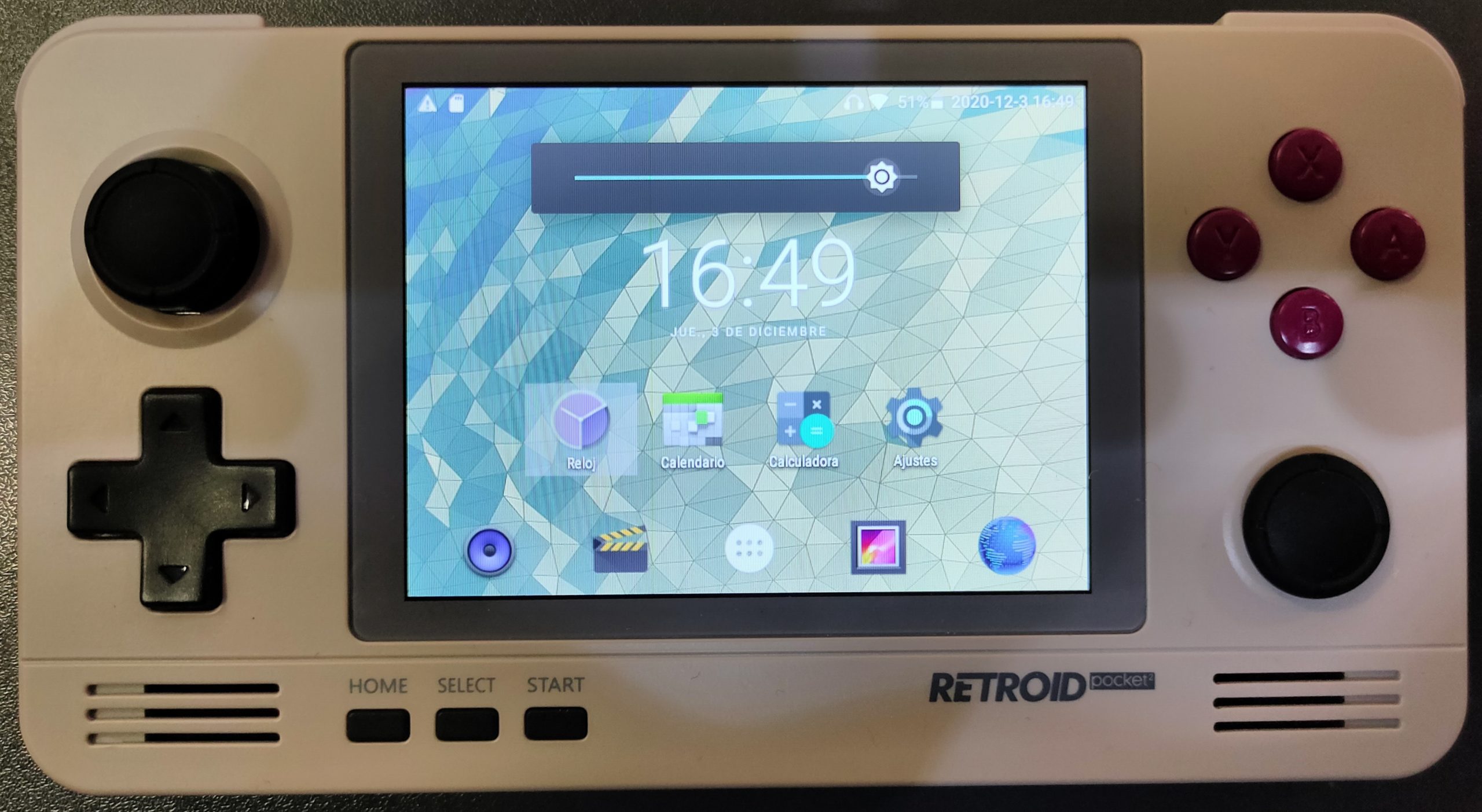
Let's start from the beginning, as we should.
In the Android app menu you can search for the Toolbox and from there install the RetroidOS app.
In addition, you will be able to, with your ROMs that you install on the 32GB SD card This includes enjoying all your games from the various emulators already installed and optimized on Android (Mupen64Plus, Neodroid, MAME4droid, Retroarch, etc.). To play applications like RetroArch, you can install your ROMs on the SD card.
You'll be impressed with the excellent game emulation on most emulators, although it still struggles a bit with some Dreamcast, PSP, and PS1 games. We'll continue experimenting with it and keep you updated on our discoveries. The manufacturer promises an Android 8 update soon.
If you haven't bought it yet, we have a warehouse in Spain with Shipping throughout Europe in 24/72 hours with a 2-year warranty and after-sales support.
Purchase link
https://www.kibotek.com/producto/retroid-pocket-2-consola-retro-portable-android/